
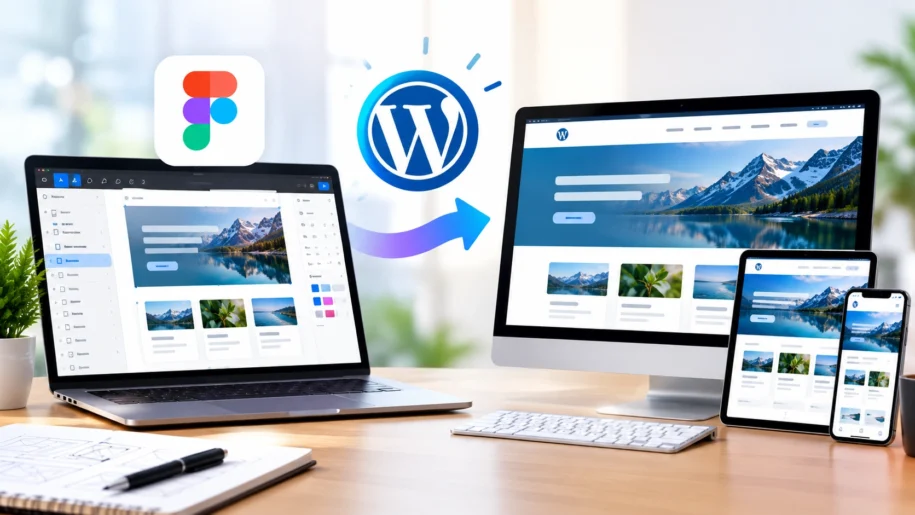
Figma has become an essential tool for designing modern websites. It allows designers to create detailed layouts, interactive prototypes, and consistent design systems before development begins.
However, turning a Figma design into a fully functional WordPress website requires more than simply copying the visual elements. It involves translating the design into responsive layouts, implementing functionality, and ensuring the website performs well across different devices.
Why Convert Figma Designs into WordPress?
WordPress offers flexibility, scalability, and an easy-to-use content management system.
By converting your Figma designs into WordPress, you can benefit from:
- A custom website that reflects your brand identity
- Responsive layouts for desktop, tablet, and mobile devices
- Easy content management without extensive technical knowledge
- Flexible functionality through custom development and integrations
- A scalable platform that supports future business growth
The Figma to WordPress Development Process
1. Review the Figma Design
The first step is to understand the design structure, typography, colors, spacing, images, and interactive elements.
A thorough review helps identify responsive requirements and functionality before development begins.
2. Plan the WordPress Structure
Based on the design, the development team determines the most suitable WordPress setup.
This may include a custom theme, a page builder such as Elementor or Avada, reusable templates, and custom functionality.
3. Build Responsive Layouts
The design is translated into WordPress layouts that adapt to different screen sizes.
Responsive development ensures that content, images, navigation, and interactive elements work properly on desktop, tablet, and mobile devices.
4. Implement Website Functionality
Beyond the visual design, the website may require contact forms, custom post types, dynamic content, third-party integrations, and other business-specific features.
These elements are implemented and tested to ensure they work as expected.
5. Optimize Performance and SEO
A successful Figma to WordPress conversion should also consider website speed and search engine optimization.
This includes optimized images, clean code, appropriate heading structures, metadata, and mobile performance.
6. Test Before Launch
Before the website goes live, it should be tested across major browsers and devices.
The final review should include responsive layouts, forms, navigation, functionality, accessibility, and performance.
Choosing the Right Figma to WordPress Developer
When selecting a developer, look for experience in WordPress development, responsive design, custom functionality, and performance optimization.
A reliable development partner should understand both the design requirements and the technical aspects of building a scalable WordPress website.
Turn Your Figma Design into a Fully Functional Website
Your Figma design represents the vision for your website. The right WordPress development process transforms that vision into a responsive, functional, and user-friendly digital experience.
Whether you are launching a new website or redesigning an existing one, professional Figma to WordPress development can help bring your design to life while supporting your long-term business goals.
Leave a Reply